Two formats
| Format | Built for |
|---|---|
| For Sheets | Google Sheets or Excel. Tab-separated, so it pastes straight into columns. |
| As List | Docs, Notion, or a message to a client. A readable numbered list. |
Both copy to your clipboard; there's no file to find afterwards.
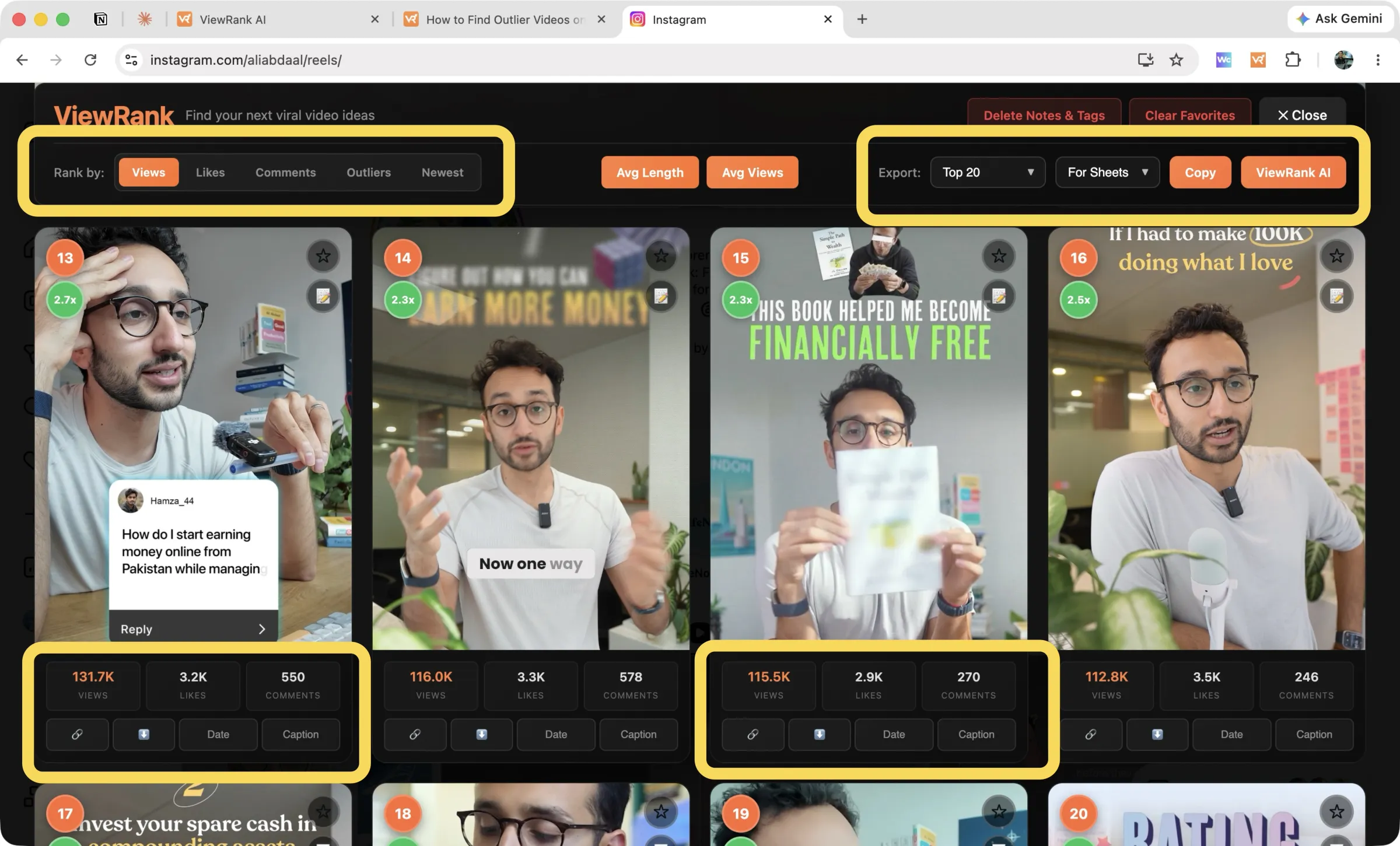
What you can export
From the export menu, choose Top 10, Top 20, Top 50, or Top 200, or export your Favorites, or (in Videos mode) Only Outliers.
Exports respect the active sort tab. Top 10 while sorted by likes exports the ten most-liked; switch to comments first and you get the ten most-commented instead.
Columns
Sheets exports include the video URL, the metrics, the posted date, the caption, and any notes and tags you've added, so your research travels with the numbers.
The columns adapt to what each platform actually publishes:
- Instagram Reels: views, likes, comments, plus the outlier score where it applies.
- TikTok videos: everything above plus shares, saves, and engagement rate.
- Posts mode: likes, comments, and slide count on Instagram; TikTok slideshows add views.
Exports end with a short ViewRank attribution line and link.
A workflow that works
- Rank a competitor's profile and sort by outliers.
- Export Only Outliers with For Sheets.
- Paste into a sheet, one tab per competitor.
- Tag recurring topics, then take the ones that repeat across accounts into the workspace and get ideas from them.
FAQ
Can I export straight to a CSV file?
Not currently. For Sheets copies tab-separated text to your clipboard; paste it into any spreadsheet and save from there.
Why is the caption column empty on some rows?
Captions load on demand. Open Read Caption on the videos you care about before exporting and those rows fill in.