How to Transcribe a YouTube Video for Free (3 Ways to Get the Transcript as Text)
Three ways to get a YouTube transcript as text. YouTube's own transcript panel lets you read along, a free YouTube transcript generator lets you search, copy and download the text and adds a free AI summary, and a paid service is for recordings that aren't on YouTube. No account needed for the first two.
You can transcribe a YouTube video for free in under a minute, and you don't need to upload anything. YouTube already keeps a transcript for almost every public video. The only question is how to get that YouTube video transcript out as text you can read, search, copy, and paste somewhere useful.
This post covers three ways to do it, in order from the simplest to the most complete:
- YouTube's own transcript panel. Free, built into YouTube, good for reading along while you watch. You can't search it, download it, or copy it cleanly.
- A free YouTube transcript generator. Paste the video link into a tool like the ViewRank AI YouTube transcript generator and get the YouTube video transcript as text you can search, copy, and download, with a free AI summary on long videos. No account needed.
- A paid transcription service. For a recording that isn't on YouTube, or when YouTube's automatic transcript isn't accurate enough, especially in languages other than English.
Each way gets its own section below, followed by what to do when a video has no transcription at all, what to do with the text once you have it, and how the free tools compare.
Way 1: How do you get a transcript from a YouTube video inside YouTube?
Open the video's description and press Show transcript. YouTube has a built-in transcript panel, and most people don't know it's there.
On a desktop browser, open any video and click ...more under the title to expand the description. Near the bottom of the description is a button labelled Show transcript. Click it, and a panel opens beside the player listing every spoken line with the time it was said. Clicking a line jumps the video to that moment. A small menu at the top of the panel switches the timestamps on or off.
On the YouTube mobile app, tap the video title to expand the description, scroll to the bottom, and tap Show transcript. The same panel opens under the video.
This is the simplest way to get a transcript from a YouTube video, most people don't know it exists, and for reading along while you watch it's fine. What it can't do is everything after reading:
- You can't search it. There is no search box in the panel. If you want to find the moment the creator mentioned a price, you have to scroll through every line yourself.
- You can't download it. There is no button to save the transcript as a file. YouTube never offers one.
- Copying is messy. You can select the text in the panel and copy it, but the timestamps come with it, mixed into the text. On a two hour podcast that means thousands of lines of times to delete by hand.
One more limit. YouTube's transcript panel only appears when the video has a caption track, meaning a set of subtitles either uploaded by the creator or generated by YouTube. Almost every video has one, but not all, and there's a section below on what to do then.
Way 2: How do you get the transcript of a YouTube video with a free transcript generator?
Paste the video link into the free ViewRank AI YouTube transcript generator and the video transcript appears in seconds as text you can search, copy and download. A transcript generator is a website that transcribes a YouTube video from its link, which is why some people call it a YouTube to text tool. It reads the same caption track YouTube already holds, so the transcript arrives in seconds, but you get it as real text on a page instead of a panel you can only scroll.
Here is the whole process with the free ViewRank AI YouTube transcript generator:
- Copy the video link from the address bar, or from the Share button under the video. Normal watch links, short youtu.be links and Shorts links all work.
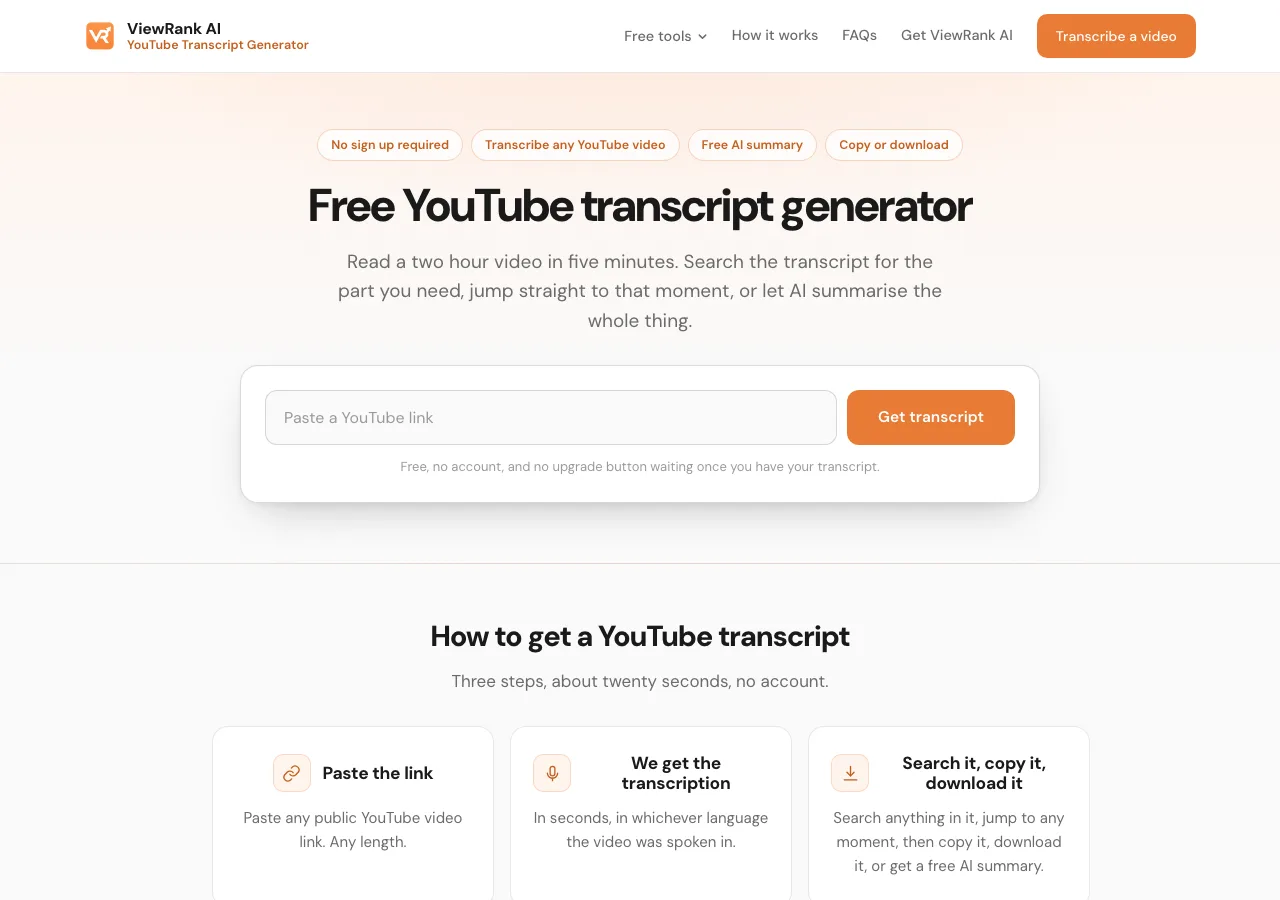
- Open the free YouTube transcript generator and paste the link into the box.
- Press Get transcript. Most videos come back in a few seconds. A three hour lecture takes about as long as a three minute clip, because nothing is being listened to. The text already exists.
The transcription opens on the page with the time it was spoken next to every line. From there you can do five things that the YouTube panel can't:
- Search inside the transcript. There is a search box above the text. Type a word or a phrase, such as "pricing" or "the second mistake", and the tool shows you every moment in the video where those words were spoken. This is the fastest way to find one part of a long video without dragging the red dot around the player.
- Jump to any moment. Click a line in the transcript and the video player on the same page jumps to that second.
- Hide the timestamps. One switch removes the times from every line, so you get clean text to paste into a document or into an AI assistant.
- Copy the whole transcript. One button copies all of the text at once.
- Download it as a file. Four formats, covered in the next section.
No account, no card, and no cap on how many videos you transcribe. Transcribing a YouTube video this way costs almost nothing, because YouTube gives its transcripts to anyone who asks, so there is no reason to charge for it or to make you sign up.
Sort any Instagram or TikTok profile in one click
The free ViewRank Chrome extension ranks any profile's videos by views, likes, comments, or outlier score, right on the page.
Add ViewRank to Chrome, it's freeCan you download a YouTube transcript as a file?
Not from YouTube. YouTube's own panel has no download button, and the only way to get its text out is to select and copy it, timestamps included.
A YouTube to transcript tool adds the download. Under the text on the ViewRank AI tool sit four buttons:
- Text, a plain .txt file, for pasting into notes or into ChatGPT or Claude.
- Word, a .docx document, for anything you plan to edit or share.
- Spreadsheet, with one spoken line per row and the time it was said in the next column. Useful when you're logging where certain topics appear across many videos.
- SRT, a subtitle file that keeps the timing of every line, so it drops straight into CapCut, Premiere or DaVinci Resolve as a caption track.
All four are free and none of them needs an account.
Can you transcribe a YouTube video in another language?
If the video carries that language, yes. Many videos can be transcribed in more than one language, because a video can have more than one caption track, either because the creator uploaded translations or because YouTube generated them. When more than one exists, the tool shows a language list and you pick one.
What no free transcript generator does is translate a video that only carries English. The transcript comes back in whatever language the video was spoken in. For a translation, copy the text and paste it into a translation tool or an AI assistant.
How do you summarize a YouTube video for free?
On any video longer than three minutes, the transcript page shows two extra buttons, Summary and Key learnings. Both are free, on up to three long videos a day, and both take a few seconds. Summary tells you what the video says in a few paragraphs. Key learnings gives you the points worth keeping as a list you can copy.
This is the fastest way to read a two hour interview in five minutes. Get the summary first, then search the full transcript for the parts the summary made you curious about, and click those lines to watch only those moments.
Videos under three minutes don't get the buttons, because a two minute transcript is quicker to read than to summarize.
Way 3: When should you pay for a YouTube transcription service?
When the recording isn't on YouTube, or when YouTube's own transcript is too rough to use. A paid transcription service is a website where you upload an audio or video file, and a speech engine listens to the recording and writes down the words. You pay by the hour of audio or by the month. Two situations call for one.
The recording isn't on YouTube. An interview, a meeting, or a podcast you recorded yourself has no YouTube transcript to fetch, so something has to listen to it. This is what those services are built for, and they do it well. For a video that's already public on YouTube, they're the long way round, because YouTube did that work already and gives the result away.
YouTube's own transcription isn't accurate enough. Most transcripts for YouTube videos are generated automatically by YouTube, not typed by the creator. They get most English words right and regularly miss names, brands and slang, and their punctuation is guessed from the pauses. In languages other than English the automatic transcript can be much rougher, and on some videos YouTube generates none at all. A paid service that transcribes the audio with a speech engine built for the job gets far closer to what was actually said.
If the video you're working with is a short vertical one, a Short, a Reel or a TikTok, the paid route that fits is ViewRank AI. It transcribes the audio of any public short video, or a video file you upload, in more than 60 languages, with proper sentences rather than a caption track, and then studies the video scene by scene and writes ideas and scripts from it. It's a workspace for people who make short videos every week, not a tool for one transcript.
What if a YouTube video has no transcript?
Then no tool can get the transcription of that YouTube video for you, because there is nothing to fetch. The ViewRank AI tool tells you so rather than inventing text. It's rare on YouTube, and it happens for a few known reasons:
- The video is music, or has no speech, so YouTube generated nothing.
- The upload is only minutes old and YouTube hasn't processed it yet. Try again in an hour.
- The video is private, unlisted with restrictions, or age restricted. A free tool can only reach what you could watch without logging in.
- It's a live stream still running. The transcript appears after the stream ends.
- The link points at a channel or a playlist rather than one video.
For a video with speech but no caption track, the free route is to wait. YouTube usually adds automatic captions within a day of upload. The paid route is way 3 above: download the audio and send it to a service that listens to the recording.
What can you do with a YouTube transcript?
More than read it. The text version of a video is useful in ways the video itself isn't. A few uses that come up constantly:
Study how a video was built. Read the first thirty seconds as text and you see how many sentences the creator spent before reaching the point. That's much harder to judge while a confident person is talking at you. The same idea, applied to short videos, is in how to break down a viral Reel scene by scene.
Quote accurately. A written transcription is the only reliable way to quote a video. Search the transcript for the phrase, click the line to check the wording against the video, and copy it with the time attached.
Feed it to an AI assistant. Copy the plain text into ChatGPT or Claude and ask for the steps, the claims, or the parts that disagree with something you read elsewhere. On long videos the Summary and Key learnings buttons do the first pass for you.
Turn someone else's video into your own script. The transcript is the raw material. How to write a Reel script from a competitor's transcript is the method for taking the structure without taking the words.
Add captions to your own edit. Download the SRT file and import it into your editing software.
How do the free YouTube transcript generators compare?
Most of them will transcribe one YouTube video for free and charge for something after that. The pattern across the sites ranking for this search is a small free quota, an AI summary that costs credits, and a download limited to plain text or missing altogether. Here is what each one says on its own tool and pricing pages, checked on September 12, 2026.
| Tool | Free limit | AI summary | Downloads |
|---|---|---|---|
| ViewRank AI YouTube Transcript Generator | None | Free, plus key learnings, on three long videos a day | Text, Word, spreadsheet, SRT |
| YouTubeToTranscript.com | None stated | No summary button; offers prompts to paste into ChatGPT yourself | None. The page says downloads are "not offered directly from our platform", copy only |
| NoteGPT | Not stated on the page | Included, with "Premium" credits sold on top | Text |
| Tactiq | None stated on the tool page | Offered for its meeting product, not on the YouTube tool page | Text |
| YouTube Transcript (youtube-transcript.io) | 25 transcripts free | Offered; cost not stated | Copy or download, formats not stated |
Two things stand out.
The AI summary is where the free tools stop being free, or stop being convenient. NoteGPT sells premium credits for it, youtube-transcript.io doesn't state a price on the tool page, and YouTubeToTranscript.com hands you a prompt to paste into ChatGPT yourself. The ViewRank AI tool gives the summary and key learnings away on any video over three minutes, three long videos a day, with no account and no credits, because a YouTube transcript costs almost nothing to fetch and there's no reason to meter the reading of it.
The download is the other gap. YouTubeToTranscript.com offers no download at all, and the others that do offer one stop at plain text. The ViewRank AI tool gives you text, Word, spreadsheet and SRT, which matters the moment you want subtitles for an edit or a sheet of lines to sort.
Then there's the page itself. Many of these sites wrap the transcription in ads, an upgrade banner, a sign-in prompt, and a dashboard of other tools, so the text you came for is the smallest thing on the screen. The ViewRank AI tool is one paste box on a clean page, and the transcript, the search, the downloads and the AI summary are all there with no account and nothing to click past. There are also bigger names in these results, video editors and recording products with a transcript page as a lead-in, and they aren't in the table because they're selling a different product that happens to include transcription.
Which of the three ways should you use?
Way 2 for any public YouTube video, way 1 if you only want to read along while watching, and way 3 for a recording that isn't on YouTube or an automatic transcription that's too rough. The table shows why.
| Way 1: YouTube's transcript panel | Way 2: free YouTube transcript generator | Way 3: paid transcription service | |
|---|---|---|---|
| Cost | Free | Free, no account | By the hour of audio or by the month |
| Where the text comes from | YouTube's caption track | YouTube's caption track | A speech engine listening to your file |
| Search inside the transcript | No | Yes | Depends on the service |
| Download as a file | No | Text, Word, spreadsheet, SRT | Depends on the service, usually text and subtitles |
| AI summary | No | Free on videos over 3 minutes | Depends on the service, often paid |
| Best for | Reading along while you watch | Any public YouTube video you want as text | Recordings that aren't on YouTube, or when YouTube's transcript is too rough |
For any video that's already public on YouTube, way 2 wins on every row except the one where you only want to read along. For a YouTube Short, the same tool works, and how to transcribe a YouTube Short for free covers the version laid out for short scripts. If it's the cover image you want rather than the words, see how to download a YouTube thumbnail in full size.
Instagram and TikTok work differently, because those platforms publish no transcript at all, so every Reel or TikTok has to be transcribed from its audio. How to transcribe an Instagram Reel for free and how to transcribe a TikTok for free cover them.
Want to know why those videos worked?
ViewRank AI transcribes winning videos, breaks down their visuals scene by scene, and turns the patterns into fresh ideas and scripts for your own niche. Free for 7 days. Cancel anytime.
Start your free trialFAQ
How do I get a transcript of a YouTube video for free?
Open the video, expand the description and click Show transcript to read it beside the player. For text you can search, copy or download, paste the video link into a free transcript generator. Both use the caption track YouTube already holds, so neither needs an account or an upload.
How do I get a transcript from a YouTube video that isn't mine?
The same way. A transcript for YouTube videos is public whenever the video is public, so you can read it in the Show transcript panel or paste the link into a transcript generator. You only need the creator's cooperation if the video is private.
Is there a free YouTube to text converter?
Yes. A transcript generator is a YouTube to text converter by another name. The ViewRank AI one turns any public video into searchable text in seconds, with no account, and downloads it as text, Word, spreadsheet or SRT.
Can I download a transcript from YouTube directly?
No. YouTube shows the transcript in a panel but offers no download button. To get it as a file, paste the video link into a transcript generator such as the ViewRank AI tool, which downloads it as text, a Word document, a spreadsheet or an SRT subtitle file.
Is there a free YouTube transcript generator with no sign up?
Yes. The ViewRank AI YouTube transcript generator needs no account and no card, has no limit on the number of videos, and includes a free AI summary and key learnings on videos longer than three minutes.
Can I transcribe a YouTube video with timestamps?
Yes. Every line carries the time it was spoken, and one switch hides the times when you want clean text. The SRT download keeps the timing in a format editing software reads.
Why does a YouTube transcript take seconds when other platforms take a minute?
Because YouTube already generated it. A YouTube video transcription is fetched, not created. Instagram and TikTok publish no transcript, so every Reel or TikTok has to be transcribed from its audio, which takes close to real time.
Does a free YouTube transcript work on Shorts?
Yes. A Shorts link pasted into the same tool returns the whole script, usually a paragraph or two. A 60 second Short typically comes back as 100 to 180 words.
How accurate is a YouTube transcript?
It depends on who made the caption track. Creator-uploaded captions are usually exact. YouTube's automatic captions get most English words right and regularly miss names, brands and slang, and their punctuation is guessed from pauses. In other languages they can be much rougher. Read anything you plan to quote against the video first.