How to Transcribe a YouTube Short for Free With the ViewRank AI YouTube Shorts Transcript Generator
Paste a Shorts link into the free ViewRank AI YouTube Shorts transcript generator and read the whole script on one screen in about fifteen seconds. Search it, copy it, download it as text, Word, spreadsheet or SRT. No account, no limit.
The free ViewRank AI YouTube Shorts transcript generator turns any public Short into text in about fifteen seconds. Paste the link, and the whole script appears on one screen with the time it was spoken next to every line. You can search inside it, click a line to jump the video to that moment, copy it, or download it as a text file, a Word document, a spreadsheet or an SRT subtitle file. No account, no card, and no limit on how many Shorts you transcribe.
The reason to bother is that a Short read as text shows you its structure in a way watching never does. A 36 second Short is about 104 words. That's half a minute of reading, short enough to hold four other Shorts in your head at the same time and see what they share.
This post walks through the ViewRank AI YouTube Shorts transcript generator step by step, then covers what a transcript can't capture, how accurate it is, why YouTube's own transcript panel doesn't help with Shorts, and how to read five Shorts in a row.
How do you transcribe a YouTube Short with the ViewRank AI YouTube Shorts transcript generator?
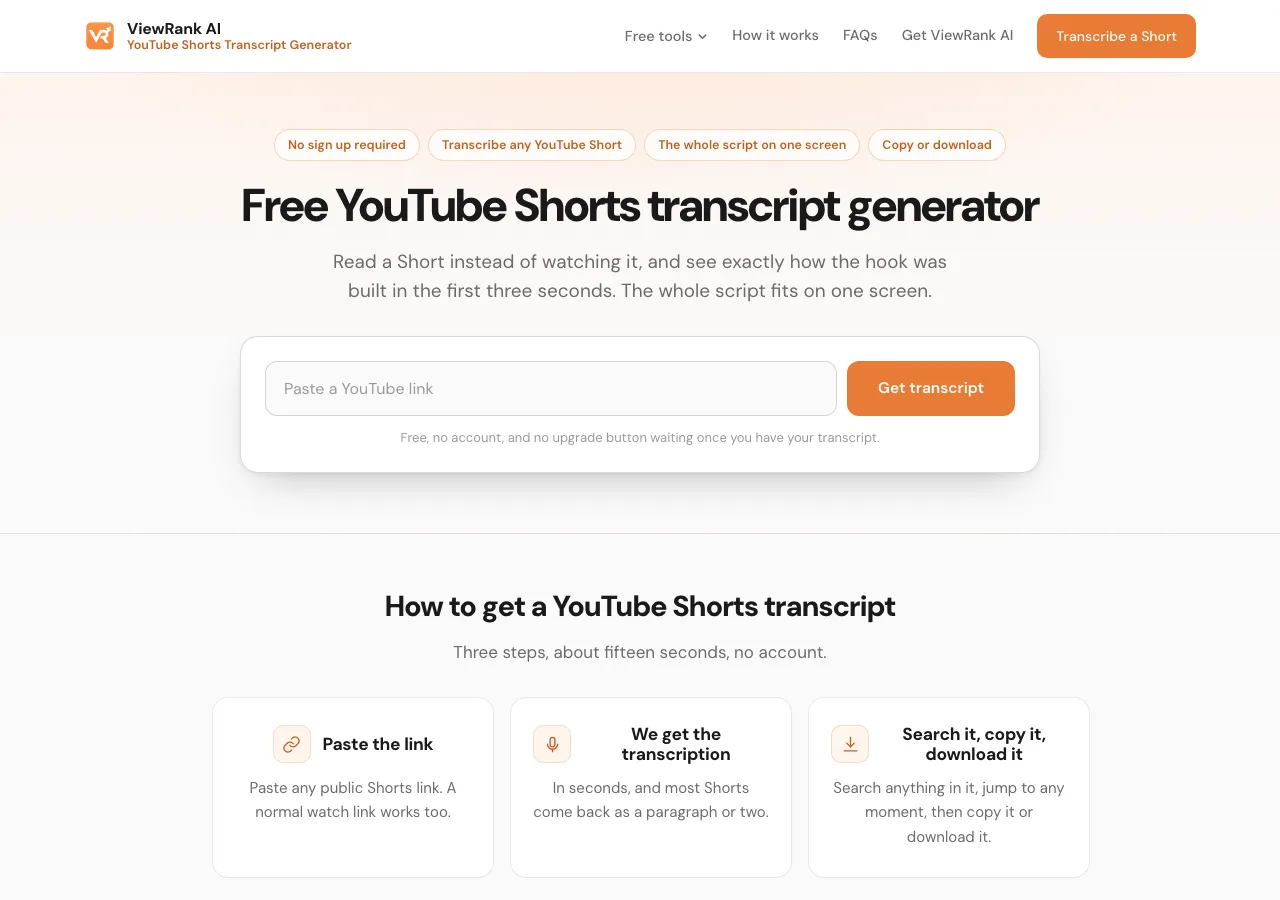
Paste the Short's link into the box, press Get transcript, and the whole script appears in about fifteen seconds. Three steps:
- Copy the Short's link. From the YouTube app, tap Share and then Copy link. From a browser, copy the address, which looks like
youtube.com/shorts/.... A normal watch link works too. - Open the free ViewRank AI YouTube Shorts transcript generator and paste the link into the box.
- Press Get transcript. Most Shorts come back in about fifteen seconds as a paragraph or two.
The ViewRank AI YouTube Shorts transcript generator works by reading the caption track YouTube already holds for the Short, meaning the subtitles YouTube generated or the creator uploaded. Nothing has to be listened to, which is why the script arrives in seconds and why the tool costs almost nothing to run. That's also why there's no limit and no account: a Short costs close to nothing to fetch, so there's no reason to meter it.
Nothing you paste is saved. A Short is transcribed and forgotten.
Sort any Instagram or TikTok profile in one click
The free ViewRank Chrome extension ranks any profile's videos by views, likes, comments, or outlier score, right on the page.
Add ViewRank to Chrome, it's freeWhat can you do with the transcript once it's on the page?
Search it, jump to any moment, hide the timestamps, copy it, or download it as a file. All five are free:
- Search inside the transcript. There is a search box above the text. Type a word or a phrase and the tool shows you every moment in the Short where it was spoken.
- Jump to any moment. Click a line in the transcript and the player on the same page jumps to that second.
- Hide the timestamps. One switch removes the times from every line, so you get clean text to paste into a document or an AI assistant. On a 40 second Short the clock isn't very useful anyway, except that it shows how long the setup ran before the payoff, which is worth knowing.
- Copy the whole script. One button copies all of the text at once.
- Download it as a file. Plain text for pasting, a Word document for notes, a spreadsheet with one spoken line per row and its time in the next column, or an SRT subtitle file that drops into CapCut, Premiere or DaVinci Resolve as a caption track.
If the Short carries captions in more than one language, a list appears and you pick. What the ViewRank AI YouTube Shorts transcript generator can't do is translate a Short that only carries English. For that, copy the text into a translation tool or an AI assistant.
The same box handles a normal YouTube video of any length, though the full YouTube transcript generator is laid out for long videos and adds a free AI summary and key learnings on anything over three minutes.
Can you get a Shorts transcript from YouTube itself?
Not from the Shorts player. YouTube has a built-in transcript panel, but it lives under the description on a normal watch page, and the Shorts feed never shows that description.
There is a workaround. Take the Short's link, which looks like youtube.com/shorts/abc123, change /shorts/ to /watch?v= so it reads youtube.com/watch?v=abc123, open that address, expand the description with ...more, and press Show transcript. A panel opens beside the player with every spoken line.
That's fine for reading one Short along with the video. It has no search box, no download button, and copying from it brings the timestamps along with the words. For anything past reading along, the ViewRank AI YouTube Shorts transcript generator is the faster route, and it takes the Shorts link as it is.
What does a Shorts transcript miss?
Everything that isn't speech. A Short carries its message in three channels: what's said, what's written on the screen, and what's shown. Only the first is in a transcript.
Plenty of Shorts make their whole point in on-screen text over a trending sound, with no voice at all. Those come back empty, and so does anything drawn, shown or acted out. If a Short talks, you get its script. If a Short shows, you have to watch it.
The other reasons for an empty result are the usual ones. The Short is private or age restricted, so nothing that works without a login can reach it. It's a music clip with no caption track. It was uploaded minutes ago and YouTube hasn't processed it yet. Or the link points at a channel page rather than one Short. The ViewRank AI YouTube Shorts transcript generator tells you which rather than inventing text.
How accurate is a YouTube Shorts transcript?
Accurate enough to study, not clean enough to publish unchecked. Creators rarely upload their own transcript for a Short, so what any tool gets from YouTube is almost always the machine-written caption track. The words are mostly right. Punctuation is guessed from the pauses. Names, brands and slang come out wrong regularly, and short-form video is full of all three. In languages other than English the automatic track can be rougher still.
For studying structure, that's fine, because you're counting sentences and looking at where the point lands, not quoting. For anything you plan to quote, read it against the video first.
When the words themselves matter, the ViewRank AI workspace transcribes Shorts, Reels and TikToks with a speech engine built for this. It listens to the audio rather than reading YouTube's caption track, so it gets much closer to what was said, with real sentences, in more than 60 languages, and it works on a Short with no caption track at all. It's a paid workspace for people who make short videos every week, and the transcript is only the first step in it. Any transcribed Short can go on to a visual analysis, which breaks the video into scenes with a frame from each and explains what was on screen. From there the workspace writes four video ideas built on what worked, and a full script with two hook options for whichever idea you pick. Starter covers 200 transcripts a month and Pro 600, across Shorts, Reels and TikTok, and the Viral Tracker watches Instagram and TikTok creators you choose and flags their outlier videos automatically.
| Free ViewRank AI YouTube Shorts transcript generator | ViewRank AI workspace | |
|---|---|---|
| Cost | Free, no account | Paid plan |
| Transcripts | No limit | 200 a month on Starter, 600 on Pro, across Shorts, Reels and TikTok, all kept in one place so you can compare them |
| Accuracy | Fine for the gist, from YouTube's caption track | Far closer to what was said, transcribed from the audio |
| Short with no captions | Nothing to read | Still works |
| Languages | More than 60 | More than 60 |
| Your own video files | No | Yes. Upload a video you filmed, up to 50MB, and it's transcribed the same way, so your own drafts get the same treatment as a competitor's hit. |
| Visual analysis | No | Yes. Every transcribed video is broken into scenes, with a frame from each, and the workspace explains what the hook, the pacing and the on-screen text were doing. You learn why a video worked, not only what was said in it. |
| Ideas and scripts | No | Yes. From any transcribed video the workspace writes four ideas for your own account, one of them a straight remake with your topic, then a full script for the one you pick, with two hook options and the spoken length. The blank page is gone. |
| Automatic tracking | No | Yes. The Viral Tracker watches the Instagram and TikTok creators you choose, works out each one's normal views, and flags any video that beats it by 2x or more. The next video worth studying finds you, instead of you checking profiles by hand. |
Why read Shorts as text instead of watching them?
Because watching, you get carried along by the edit and the music, and reading, the structure sits in front of you. How fast the first line reaches its point. How rarely anyone introduces themselves. Whether the last line pays off the promise or loops back to the opening words so the Short replays.
Some numbers from the ViewRank AI YouTube Shorts transcript generator page. A 36 second Short came back at 104 words. A 74 second one gave 178. A three minute Short, which is as long as they go now, lands closer to 400. So most of them are half a minute of reading, and five of them are three minutes. That's the whole reason to transcribe rather than watch: you can compare five scripts at once, and you cannot compare five videos at once.
Try it on the five best Shorts from one channel. Read the first sentence of each in a row. Creators repeat their own hook shapes far more than they realize, and the repeated opening on their best Shorts is the thing worth learning. How to break down a viral video scene by scene is the full method once you have the text, and how to write a script from a competitor's transcript is what to do if you want to make your own version. Take the beat order and the sentence length, leave the words.
Shorts, Reels and TikToks are mostly the same videos posted three times, so the other two platforms are worth transcribing as well, and they behave differently because neither publishes a caption track. How to transcribe an Instagram Reel for free and how to transcribe a TikTok for free cover them. And if the cover image is what you're after rather than the words, the YouTube thumbnail downloader returns a Short's true vertical cover without the black bars.
Want to know why those videos worked?
ViewRank AI transcribes winning videos, breaks down their visuals scene by scene, and turns the patterns into fresh ideas and scripts for your own niche. Free for 7 days. Cancel anytime.
Start your free trialFAQ
Is there a free YouTube Shorts transcript generator?
Yes. The ViewRank AI YouTube Shorts transcript generator returns the whole script of any public Short in about fifteen seconds, with no account, no card and no limit on how many Shorts you transcribe.
Can I see the transcript of a YouTube Short inside YouTube?
Not from the Shorts player. Open the Short as a normal watch page by changing /shorts/ in the link to /watch?v=, expand the description, and click Show transcript. You can read it there but not search or download it.
Can I download a YouTube Shorts transcript?
Not from YouTube, which shows the transcript in a panel with no download button. From the ViewRank AI YouTube Shorts transcript generator, yes: as plain text, a Word document, a spreadsheet or an SRT subtitle file. All four are free and none needs an account.
Why did my Shorts transcript come back empty?
Almost always because nobody speaks in the Short. Text on the screen and music aren't captured, since neither is speech. Private and age restricted Shorts, and Shorts uploaded minutes ago, also return nothing.
How many words is a YouTube Short?
Roughly 100 to 180 words for a 30 to 75 second Short, and close to 400 for a three minute one, based on Shorts transcribed with the ViewRank AI YouTube Shorts transcript generator. That makes most Shorts about half a minute of reading.
Does the Shorts transcript generator work on long YouTube videos?
Yes, the same box handles a video of any length. The full YouTube transcript generator is laid out for long videos and adds a free AI summary and key learnings on anything over three minutes.